Features
What the exchange does, box by box.
Ten things, each on its own CMR box. Open any of them: see what you do and what you get.
Tap a row to open it.
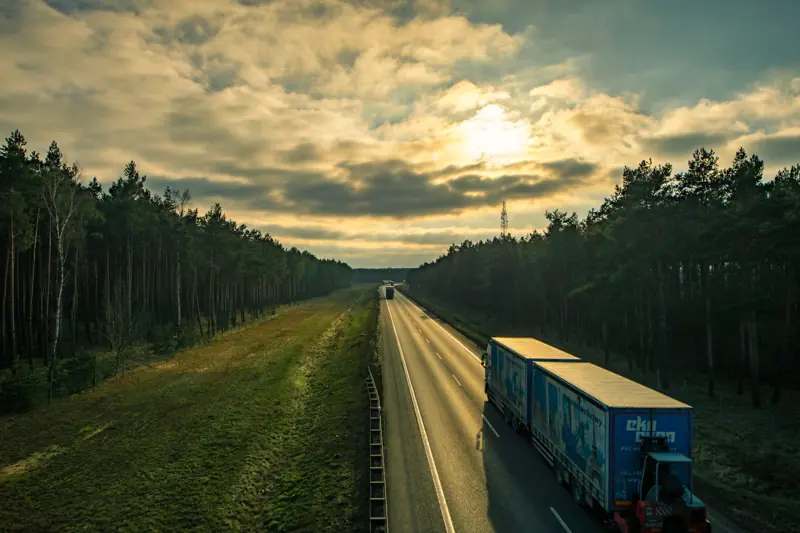
9 Freight, free trucks and auctions Search by route and truck type. See loads and free trucks, with the company papers next to them. Exchange
- You search a routeyou get matching loads, filtered by truck and date
- You set a route alertyou hear when new freight appears on your lane
- You run an auctioncarriers bid until the deadline
5 Verified papers Transport licence, CMR insurance and brokerage licence, checked by us. Papers
- You upload papers oncethe company gets the tick on its profile
- Insurance nears expiryyou get a warning in advance
- Without valid papersno orders are accepted
18 Visible payment incidents Whoever pays late shows the incident on their profile. The processing fee is paid by the company that caused it. Payments
- You report an unpaid invoicethe incident shows on the company profile
- The company can replyyou see both sides before working with it
- You check a new partneryou see their payment history
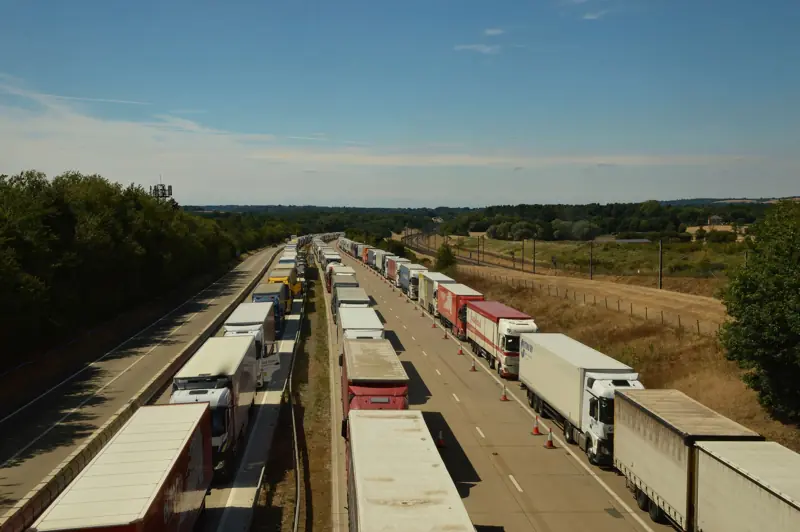
4 Time at the dock, in plain sight After every trip, the carrier notes how long the loading and unloading took. Dock
- You note the real timeothers see where trucks wait for hours
- You see a client's timesyou know what to expect in advance
19 Two-way ratings The client rates the carrier and the carrier rates the client. Only after real trips. Reputation
- You finish a tripyou rate the partner on clear criteria
- You choose who to work withyou decide on history, not blind trust
13 The transport order, from the offer You accept the offer and the order writes itself, with your company clauses, ready to sign. Order
- You accept an offeryou get the filled-in order, as a PDF
- You save your clauses oncethey appear on every order
3 GPS and a tracking link You connect your fleet GPS. The order shows the truck on the map and the client gets the trip link. GPS
- You connect your GPS providerthe position shows on the order
- You send the client the linkno more “where is the truck?” calls
24 e-CMR signed on the phone The driver and the consignee sign on screen, at loading and delivery. The CMR stays with the order. e-CMR
- You sign at deliverythe proof is on the platform, not in the glovebox
20 Invoices with e-Factura With Plus (RON 990 a year + VAT), the invoice is issued from the order and also sent to e-Factura. Invoice
- You close the orderthe invoice is already filled in
- You send itit reaches the client and the SPV
+ The in-app assistant Ask it anything about the platform. On the phone, it also takes actions, after you confirm them. Assistant
- You ask how to do somethingyou get the steps in seconds
- You ask it to find freightit shows you the results, you decide